
Welcome to Capci
Capci turns a one-line description into publish-ready, on-brand visual content: architecture diagrams, social posts, data charts, brand-kit assets, and more. Built for humans in the web app, and callable directly by AI agents via API or MCP.

What Capci does
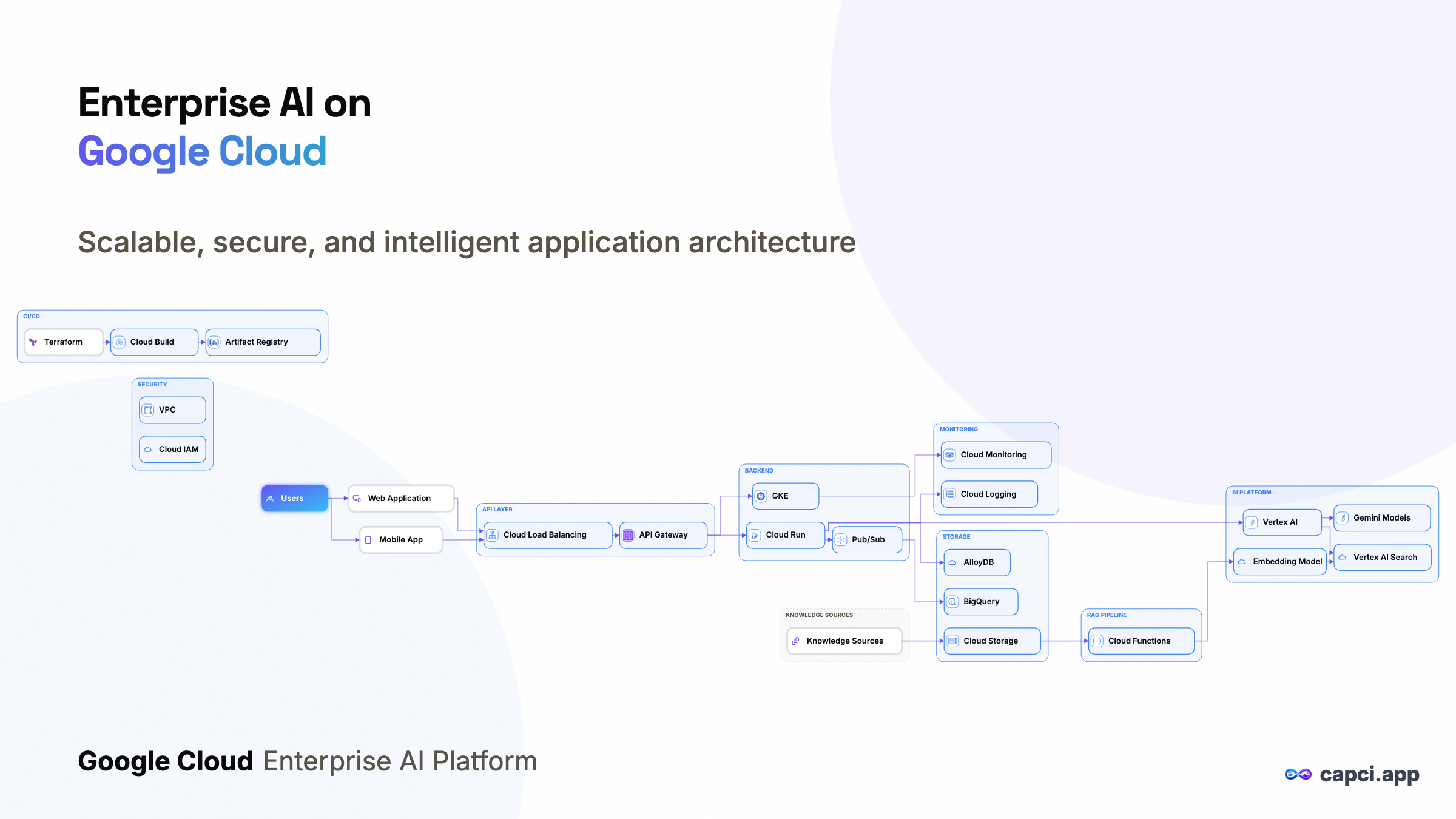
- Architecture diagrams: describe a system in plain English, get a real cloud-provider-icon diagram (GCP/AWS/Azure/Databricks/Snowflake), with automatic layout.
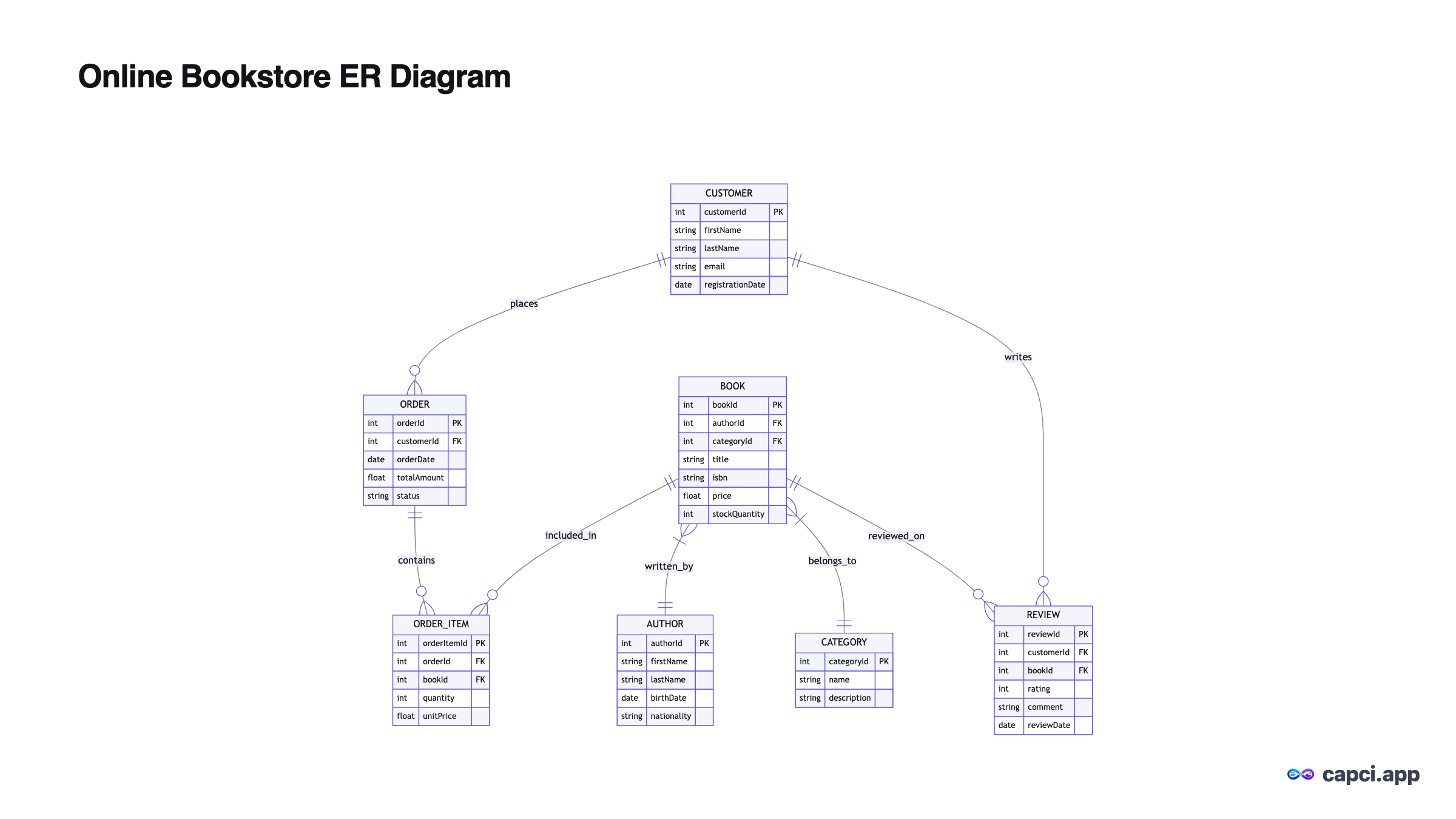
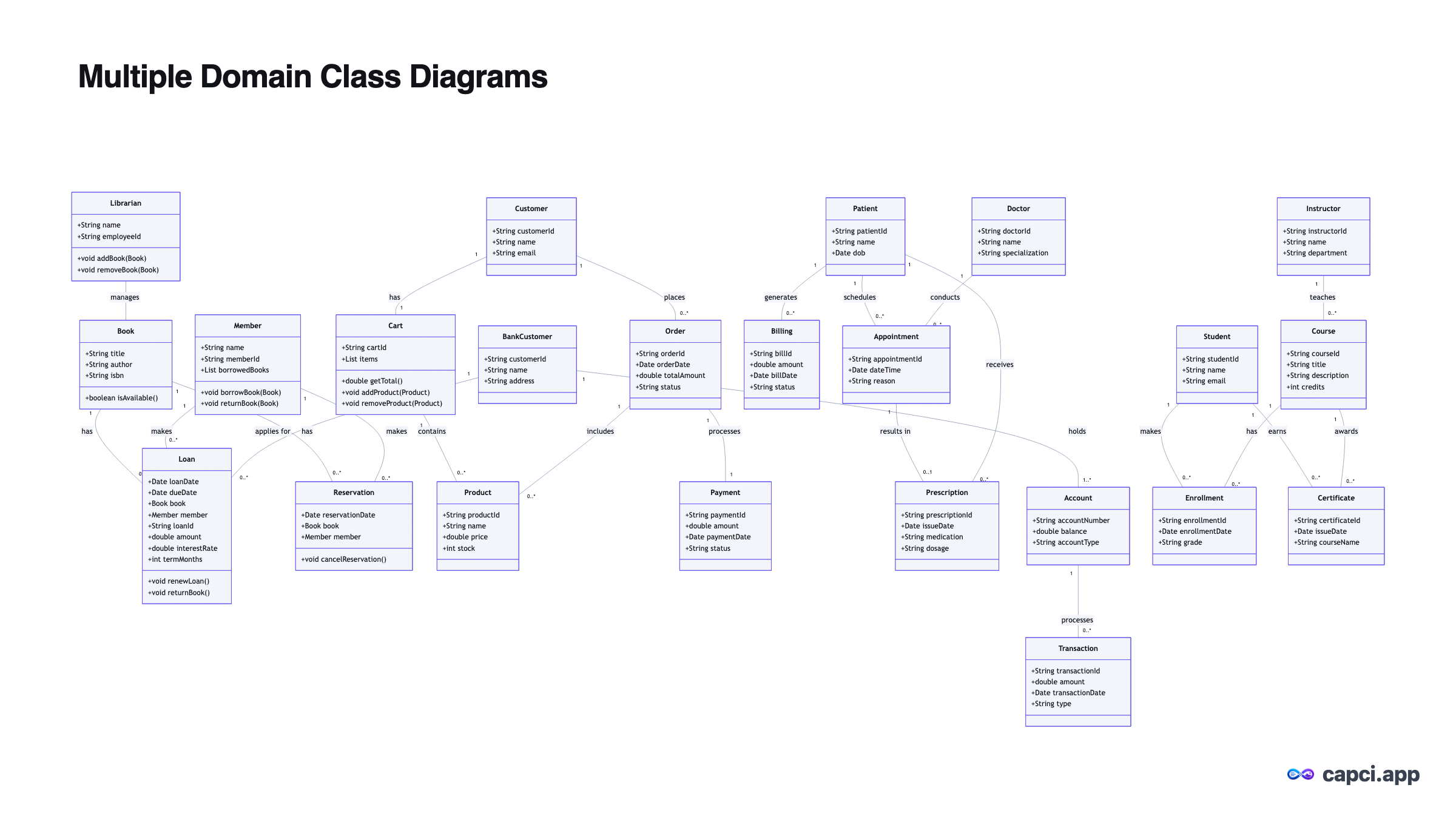
- Data diagrams: flowcharts, sequence diagrams, class diagrams, ER schemas, mindmaps, and Gantt charts, all from a prompt.
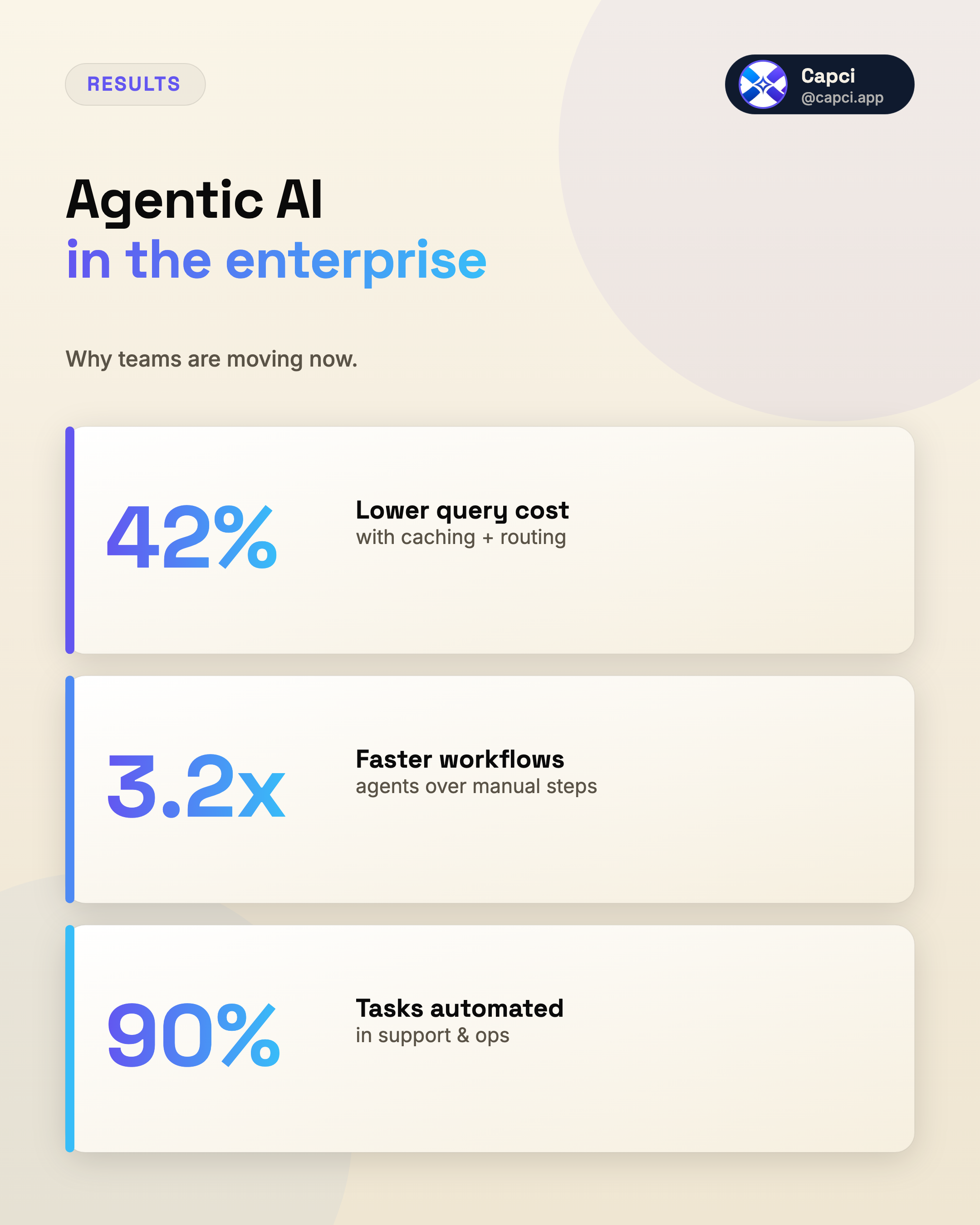
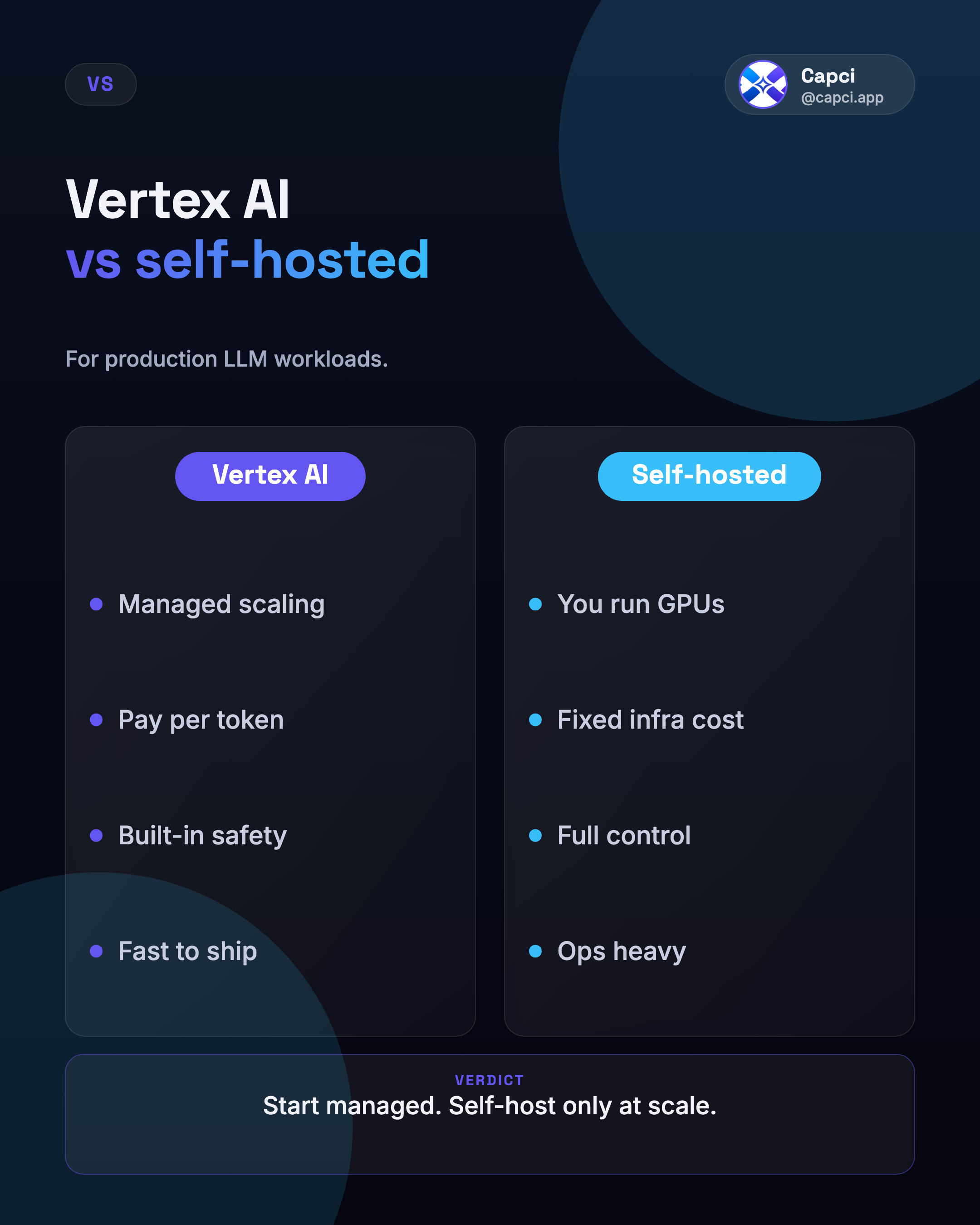
- Social & marketing posts: 20+ formats (listicles, quote cards, stat tiles, comparisons, announcements, and more), auto-picked from your prompt or pinned explicitly.
- Data charts: bar, line, donut, and KPI-tile charts generated deterministically from numbers you supply, no prompt needed.
- Brand kits: a saved brand (logo, colors, name, tagline) applied automatically to everything you generate, plus deterministic brand-kit assets (social covers, banners, cards).
- Animation: turn a diagram or post into a reveal GIF.
Two ways to use it
The web app
Sign in with Google, set your brand once, and generate content interactively in the Studio, free to start, no card required.
The API / MCP server
Everything the Studio can do is also a REST endpoint or an MCP tool: call it from your own app, script, or AI agent. Requires a Developer plan.
Where to go next
Getting started →
Sign up, create an API key, and make your first call.
Pricing →
Free, Pro, and Developer plans, and what's included at each tier.
Authentication & concepts →
How API keys work, brand resolution, rate limits.
Diagrams API →
The full create → refine → export → rename flow.
Posts API →
Generate branded social/marketing graphics from a prompt.
MCP server →
Connect Claude, Cursor, VS Code, or an ADK agent directly.