
Diagrams
Generates branded diagrams (cloud architectures with real provider icons, flowcharts, sequence and class diagrams, ER schemas, mindmaps, and Gantt charts) as high-resolution PNGs with automatic layout.
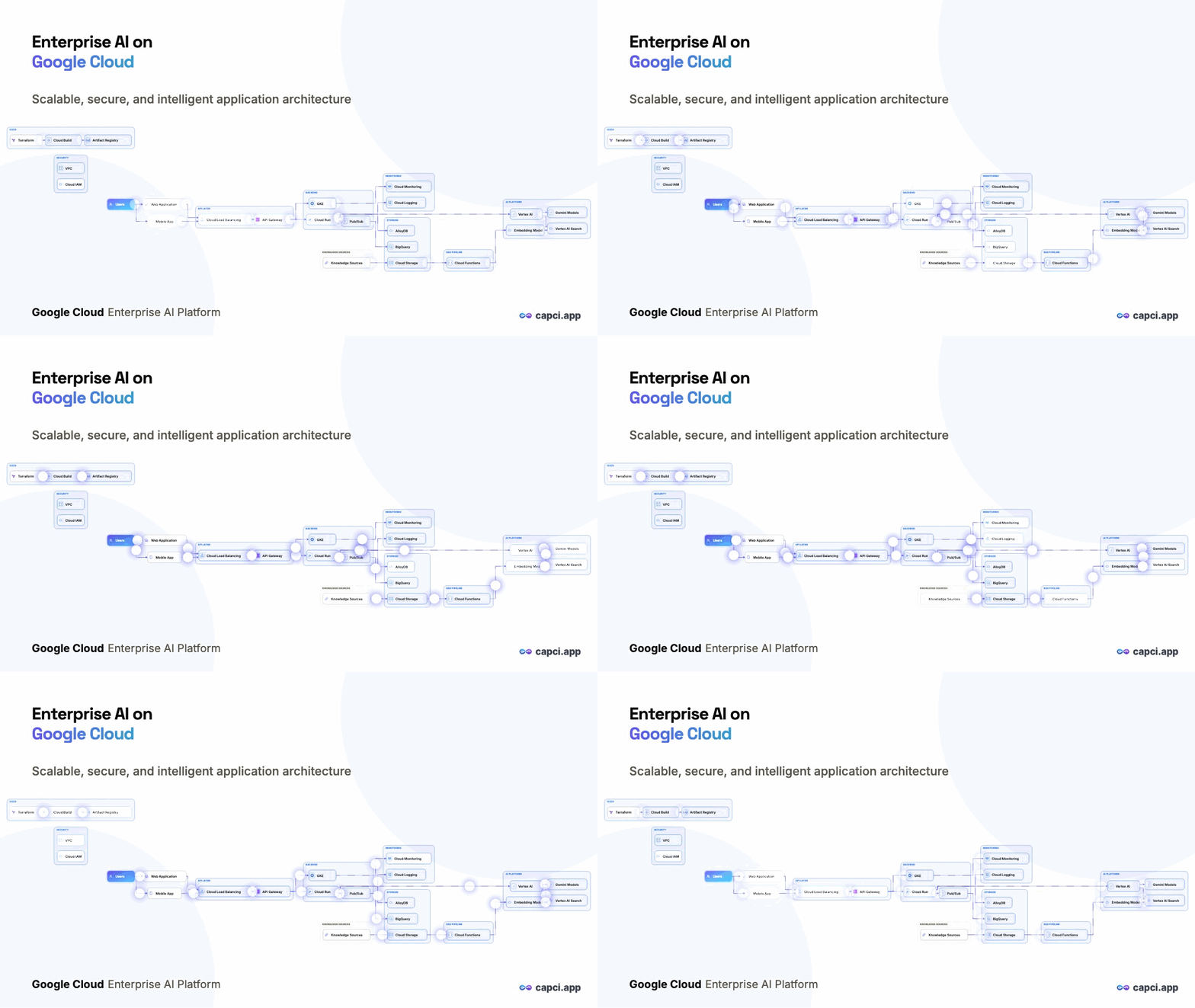
Diagrams are a conversational resource: the response includes an opaque id that persists permanently (no expiry). Keep it to refine, restyle, export, or rename the same diagram any time.
/api/v1/diagrams: create from a prompt → returns the image + a permanent diagram id./api/v1/diagrams/:id/refine: with a prompt: follow-up content edits in plain English ("add a cache between the gateway and the DB"). Without one: a free, instant restyle (theme/size/transparent/nodeStyle/colors), no generation call spent, no wait./api/v1/diagrams/:id: free regenerate/export: ?theme=, ?size=, ?transparent=1, ?format=png for raw bytes, ?format=svg for a standalone vector file (architecture diagrams only)./api/v1/diagrams/:id: rename only, no additional AI call, free. Pass { "title": "" } to clear the title.No expiry: a diagram and its id live until you delete it or your account. Export the PNG any time; no need to "save" separately.
Parameters (create)
| Field | Type | Description & options |
|---|---|---|
| prompt | Required | Describe the system, flow, schema, or plan in plain English. Up to 4000 characters. |
| type | String | What kind of diagram to draw. architecture = cloud/system topology with provider icons; er = entity-relationship. architecture (default)flowchartsequenceclassermindmapgantt |
| size | String | Canvas aspect ratio. Omit to use your account default (Authentication & concepts), else auto — the frame adapts to the diagram, vertical or landscape. The response reports the concrete size chosen. auto (default)landscapeportraitsquarestory |
| theme | String | Color mode. Omit to use your account default, else light. light (default)dark |
| style | String | Visual skin, architecture diagrams only. glass (default)flatblueprinteditorial |
| nodeStyle | String | Architecture only: structured = boxed pills, freeform = icon-only with no boxes. Omit to use your account default, else structured. structured (default)freeform |
| title | String | Optional fixed title; omit to let the engine write one. |
| transparent | Boolean | Generate with a transparent background (great for slides). Omit to use your account default, else false. |
| colors | Object | Palette override: { primary, secondary, background } hex values. Falls back to your brand colors. |
| brand | Object | Per-request brand override (name, logo, colors), to generate for a different brand without changing your saved profile. Persists on this diagram's refines too. |
| unbranded | Boolean | Brand mark. Diagrams are unbranded by default over the API/MCP — pass false to stamp your brand on this call, or turn it on for every call in Account → API & MCP defaults. See Authentication & concepts. |
Refine accepts the same optional fields plus an optional prompt: present it for a content edit, omit it for a free restyle. Any omitted field keeps the diagram's current setting. Rename (PATCH) accepts only title. All three plus GET return the same shape: { id, type, title, size, theme, image, note? }, never the diagram's underlying source/structure — only the rendered image (PNG, or SVG via the vector export below).
Vector export (SVG)
GET /api/v1/diagrams/{id}?format=svg returns a standalone, self-contained image/svg+xml file — infinitely scalable, with real selectable and searchable text. Free, like every other re-render. Add &download=1 to save rather than open inline, and combine it with ?theme= / ?size= / ?transparent=1 as usual.
- Architecture diagrams only. Other types return
400 svg_unsupported— ask forformat=pnginstead. - Fonts travel with the file. Only the weights actually used are embedded, subsetted to the characters in your diagram — typically ~45KB total. Text renders identically on a machine that has none of the fonts installed.
- Safe to inline several on one page. Gradient and filter ids are namespaced per file, so two diagrams in the same HTML document can't clash.
- Renders faithfully in browsers, Inkscape and anything else honouring embedded
@font-face. Design tools that map fonts by name (Figma, for instance) will substitute their own — the geometry is still exact, only the type differs.
Code sample: full loop
# 1) Create a diagram
curl -X POST https://api.capci.app/api/v1/diagrams \
  -H "x-api-key: capci_your_api_key" \
  -H "Content-Type: application/json" \
  -d '{
    "prompt": "Checkout flow: web app -> API gateway -> auth service -> payments service -> Postgres, async events to a queue",
    "type": "architecture",
    "size": "landscape",
    "theme": "dark",
    "brand": { "colors": { "primary": "#3b82f6" } }
  }'
# → { "id": "…", "type": "architecture", "title": "…", "size": "landscape", "theme": "dark", "image": "data:image/png;base64,…" }
# No expiry — the diagram and its id are permanent until you delete your account.

# 2) Refine it — keep the id, describe the change
curl -X POST https://api.capci.app/api/v1/diagrams/DIAGRAM_ID/refine \
  -H "x-api-key: capci_your_api_key" \
  -H "Content-Type: application/json" \
  -d '{ "prompt": "add a cache between the API gateway and the payments service" }'

# 2b) Or restyle only — omit "prompt" entirely for a free, instant re-render
#     (no generation call spent, no wait)
curl -X POST https://api.capci.app/api/v1/diagrams/DIAGRAM_ID/refine \
  -H "x-api-key: capci_your_api_key" \
  -H "Content-Type: application/json" \
  -d '{ "theme": "light", "nodeStyle": "freeform", "transparent": true }'

# 3) Rename it — no additional AI call, free
curl -X PATCH https://api.capci.app/api/v1/diagrams/DIAGRAM_ID \
  -H "x-api-key: capci_your_api_key" \
  -H "Content-Type: application/json" \
  -d '{ "title": "Checkout flow v2" }'

# 4) Export the final PNG — free, any theme/size/transparency, no generation call
curl "https://api.capci.app/api/v1/diagrams/DIAGRAM_ID?theme=light&size=portrait&transparent=1&format=png" \
  -H "x-api-key: capci_your_api_key" -o diagram.png